What is OLET
OLET is the till and the office for a physical shop. You ring up sales on a tablet at the counter, and everything you sell updates one catalog, one set of stock levels, and one customer list that you manage from a web browser.
There are two halves, and you will use both.
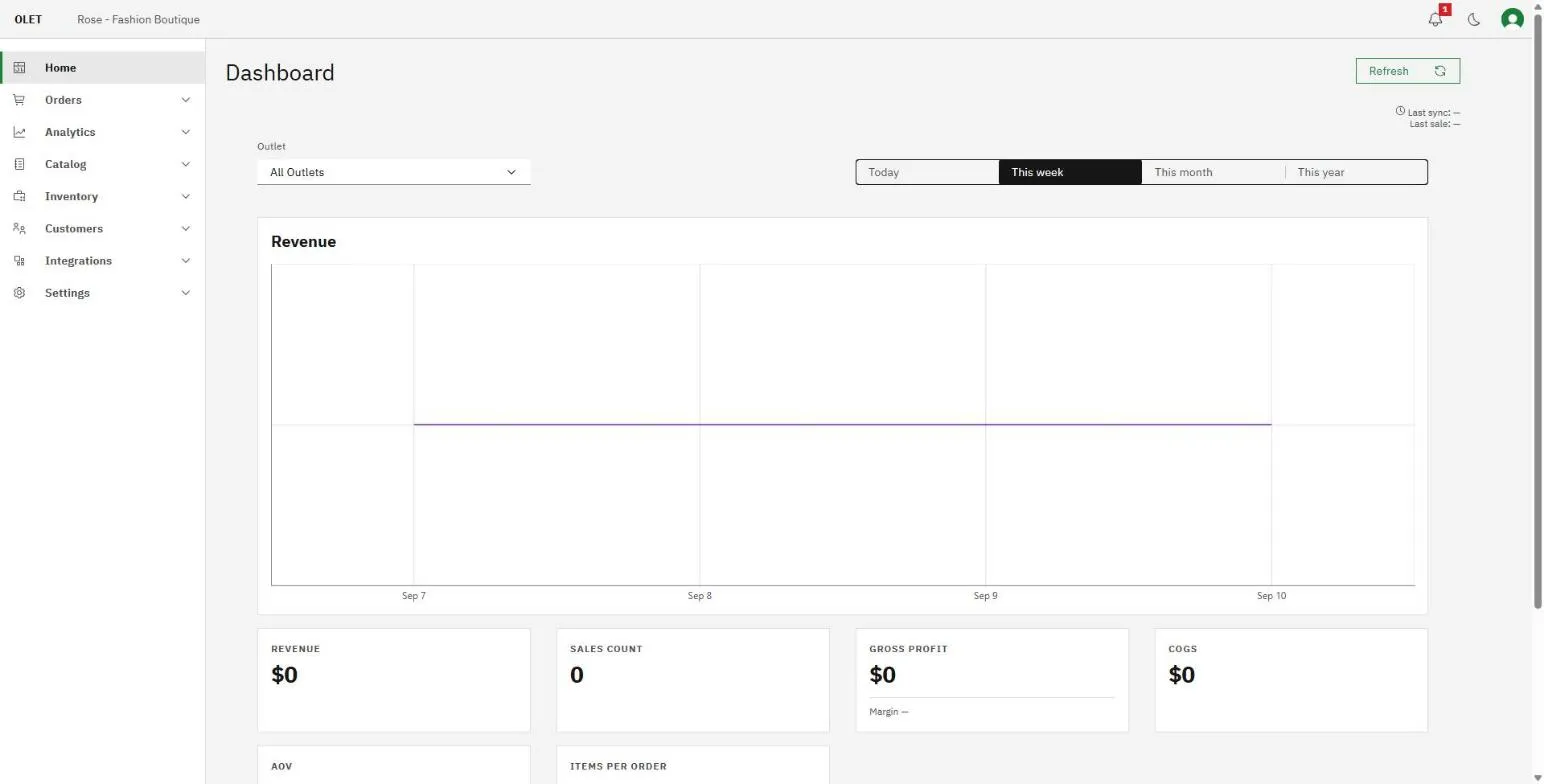
The back office
Section titled “The back office”The back office is the web side, and it is where you set your store up and see what happened. You open it in a browser on any computer.
It holds:
- Home, a dashboard of how the store is trading.
- Orders, your sales history and receipts. A new store also has a practice till here, Sell.
- Analytics, your sales, inventory, stock movements, payment, register, tax, product, and customer reports.
- Catalog, your products, categories, brands, suppliers, price books, promotions, and gift cards.
- Inventory, your purchase orders, receiving, transfers between outlets, and supplier returns.
- Customers, your customer records and customer groups.
- Integrations, the other tools you connect to OLET.
- Settings, your outlets, registers, users, receipts, taxes, and privacy tools.
The register app
Section titled “The register app”The register app is what your staff use at the counter. It runs on an iPad or an iPhone, it is where a sale actually happens, and it is built to be fast with one hand while a customer waits.
On the register your team can open and close the till, add products by scanning or tapping, attach a customer, apply a discount or a promotion, take payment, print or email a receipt, and process a refund.
How the two fit together
Section titled “How the two fit together”You do the thinking in the back office and the selling on the register. A price you change in the back office is the price your staff charge. A sale your staff ring up is the sale you read back in your sales history.
Where to go next
Section titled “Where to go next”Start with Create your store, which walks you through opening your store. Then follow the setup guide to get to your first sale.